Data is at the center of both modern homes and small businesses. Photos, videos, client files, security camera footage, and project archives all need to be stored, backed up, and easy to access. A Network Attached Storage system (NAS) is one of the most reliable ways to manage all of this in one place.
With remote work, high-resolution media, and growing cybersecurity risks, more homeowners and small businesses are moving to NAS solutions. Here is what a NAS can do for your home or office.
WHAT IS A NAS?
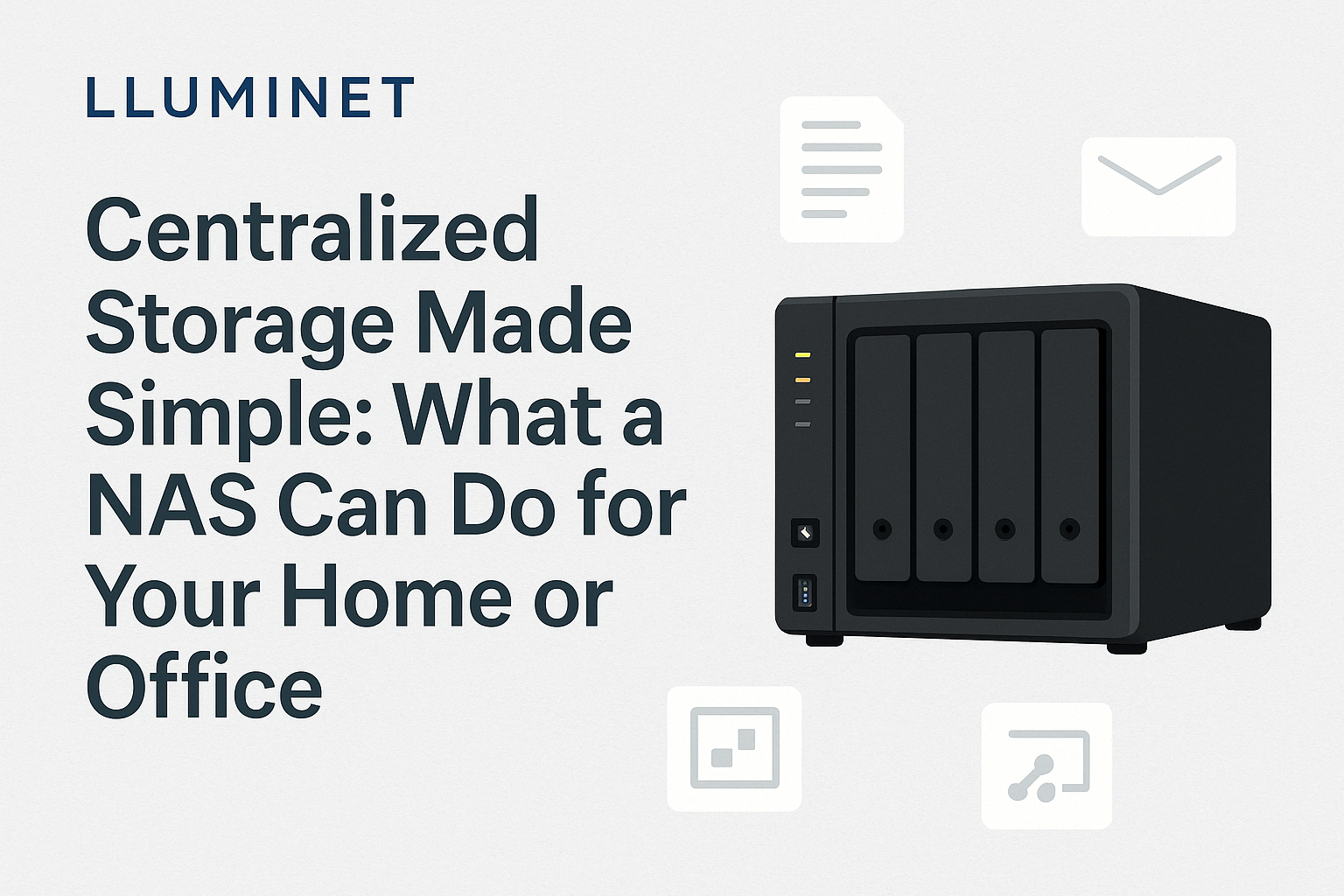
A NAS (Network Attached Storage) is a small server designed specifically for storing and managing files on your network. Unlike a USB drive plugged into one computer, a NAS is always on, secure, and accessible to multiple users at the same time.
Popular platforms include Synology, QNAP, and TrueNAS. They offer built-in apps and services that turn a NAS into much more than simple storage.
WHY A NAS MATTERS FOR SMALL BUSINESSES
- Centralized file storage
- Instead of spreading files across laptops, external drives, and random cloud accounts, a NAS keeps everything in one secure location. Team members can access shared folders over the local network or, when configured correctly, remotely.
- Automated workstation backups
- A NAS can automatically back up every workstation on a schedule. If a device fails, is lost, or gets hit with malware, your files are still safe on the NAS.
Most systems support:
- Time Machine backups for macOS
- Windows workstation backups
- Snapshots to restore previous versions of files
- Secure remote access
- Employees can access files securely from home or on the road using VPN or encrypted connections. This allows remote work without opening the entire network to the internet.
- Better long-term value than cloud-only storage
- Cloud services usually charge monthly per user and per terabyte. A NAS is a one-time hardware investment that can serve the business for many years with predictable costs.
- Ideal for surveillance and NVR systems
- For businesses using IP cameras or systems like UniFi Protect, a NAS can store camera footage, keep archives longer, and offload clips for long-term retention and review.
BUSINESS APPS YOU CAN RUN ON A NAS
Modern NAS platforms can replace or supplement several subscription services. Here are real, supported use cases for small businesses.
- Office-style productivity suites
- Synology devices offer Synology Office, which includes collaborative documents, spreadsheets, and presentations, all accessible from a web browser. Files stay on your hardware, under your control.
QNAP provides similar tools through its own app ecosystem, along with powerful search and notes features.
- Internal company chat
- You can host private, secure messaging for your team directly on the NAS, for example:
- Synology Chat (built into Synology DSM)
- Rocket.Chat via Docker or containers
- Mattermost via Docker or containers
This gives you Slack-style communication without recurring per-user fees.
- Email server hosting
- For businesses that want full control of their email, some NAS systems support self-hosted mail servers.
Synology offers MailPlus Server and MailPlus Client, providing business-grade email with spam filtering, webmail access, and mobile app support. QNAP has similar tools such as QmailServer and QmailAgent.
Self-hosting email is not for everyone, but for certain businesses it offers more control and privacy than third-party services.
- Local CRM and business apps
- Using Docker or virtual machines, a NAS can host full business applications such as:
- SuiteCRM or EspoCRM for customer relationship management
- Odoo or ERPNext for all-in-one ERP and CRM
- Snipe-IT for asset management
This keeps customer and business data on your own hardware with regular NAS backups and snapshots.
- Virtual machines and containers
- Higher-end NAS units can run full virtual machines and containers. This allows you to host:
- Windows Server or Linux servers
- Accounting and line-of-business software
- Internal wikis and documentation portals
- Ticketing and help desk systems
Tools like Synology Virtual Machine Manager and QNAP Virtualization Station make this possible without a separate dedicated server.
WHY A NAS IS A GAME-CHANGER FOR HOMES AND MEDIA CREATORS
- Safe storage for family photos and videos
- Phones and laptops are not backup solutions. A NAS can automatically sync and back up photos and videos from all devices, protecting them with redundant drives (RAID) and snapshots.
- Perfect for home offices
- If you work from home, a NAS keeps your important documents in one place, accessible from multiple computers and backed up regularly.
- High-speed storage for creators
- Video editors, photographers, and audio engineers deal with large files that quickly overwhelm local drives. A NAS can act as a shared, high-speed workspace for:
- 4K, 6K, or 8K video projects
- RAW photo libraries
- Large audio sessions
- Media server for the whole household
- A NAS can host media applications such as Plex, Jellyfin, Emby, or Synology Video Station. This turns your NAS into a private streaming service for movies, TV shows, and music across your devices.
NAS VS CLOUD STORAGE
Cloud storage is excellent for off-site backups and quick sharing, but relying on it alone has downsides: ongoing subscription costs, slower access for large files, and less direct control.
A NAS gives you:
- High-speed local access
- Full control over hardware and data
- No per-user or per-TB subscription fees
- Better privacy when configured correctly
The best strategy for most homes and small businesses is a combination: a local NAS for daily work and an encrypted cloud backup for disaster recovery.
HOW LLUMINET HELPS
A NAS is powerful, but only when it is set up correctly. LLUMINET designs and installs NAS solutions tailored to homes, small businesses, and media workflows. Our services include:
- Selecting the right NAS platform and drives
- Configuring RAID and storage pools
- Setting up user accounts and permissions
- Implementing backup strategies for PCs, Macs, and servers
- Configuring secure remote access (VPN and encrypted connections)
- Integrating NAS with UniFi or other network equipment
- Deploying virtual machines, containers, and business apps such as CRM, internal chat, and office suites
- Setting up media servers for home and office use
FINAL THOUGHTS
A NAS is more than just a hard drive on the network. It can be the central hub for your files, backups, business apps, and media — for both homes and offices.
If you are ready to build a storage and app infrastructure that is fast, secure, and under your control, LLUMINET can design and install the right NAS solution for your needs.